Today
Installation Guide
Add the Lunar Calendar app to your home screen for quick one-tap access, just like a native app.
iPhone / iPad (iOS)
1
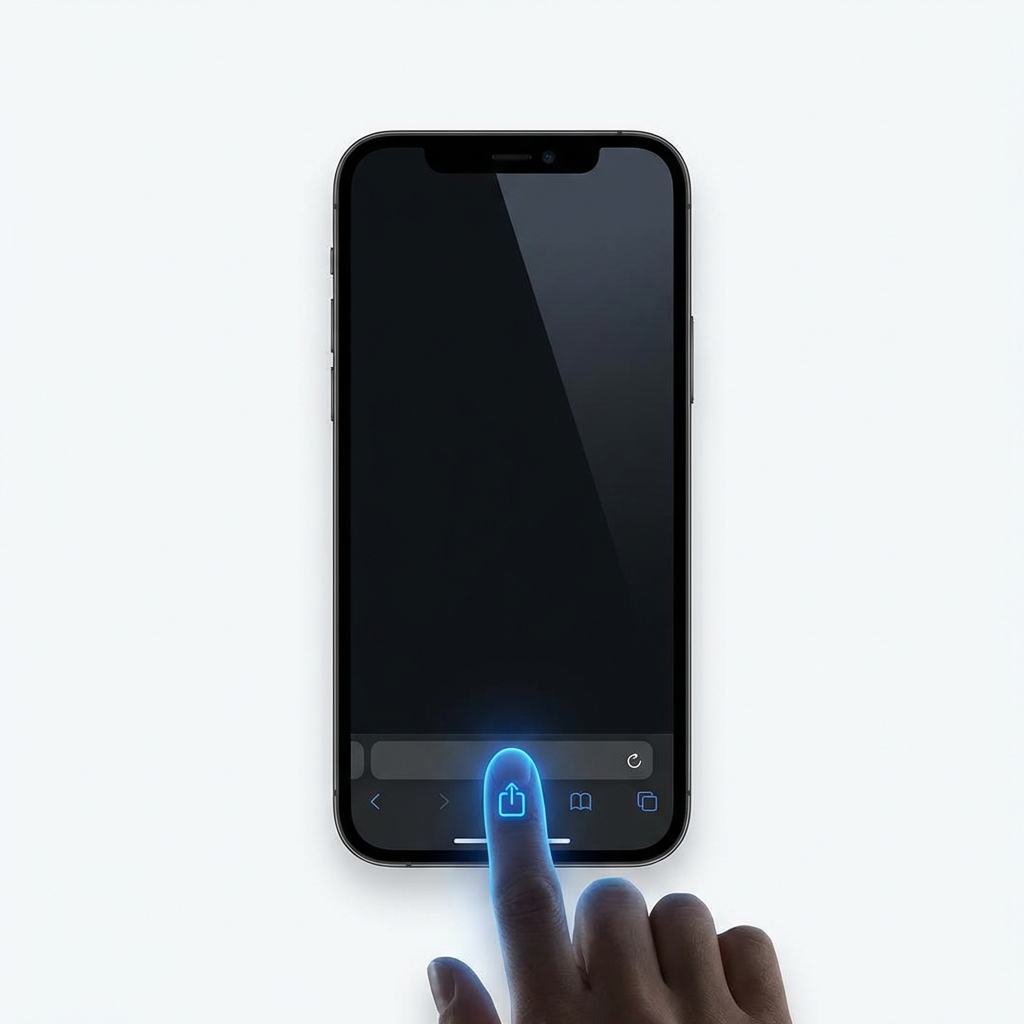
Open Safari & Tap Share
Open Safari browser, find the square icon with an upward arrow at the bottom toolbar.
2
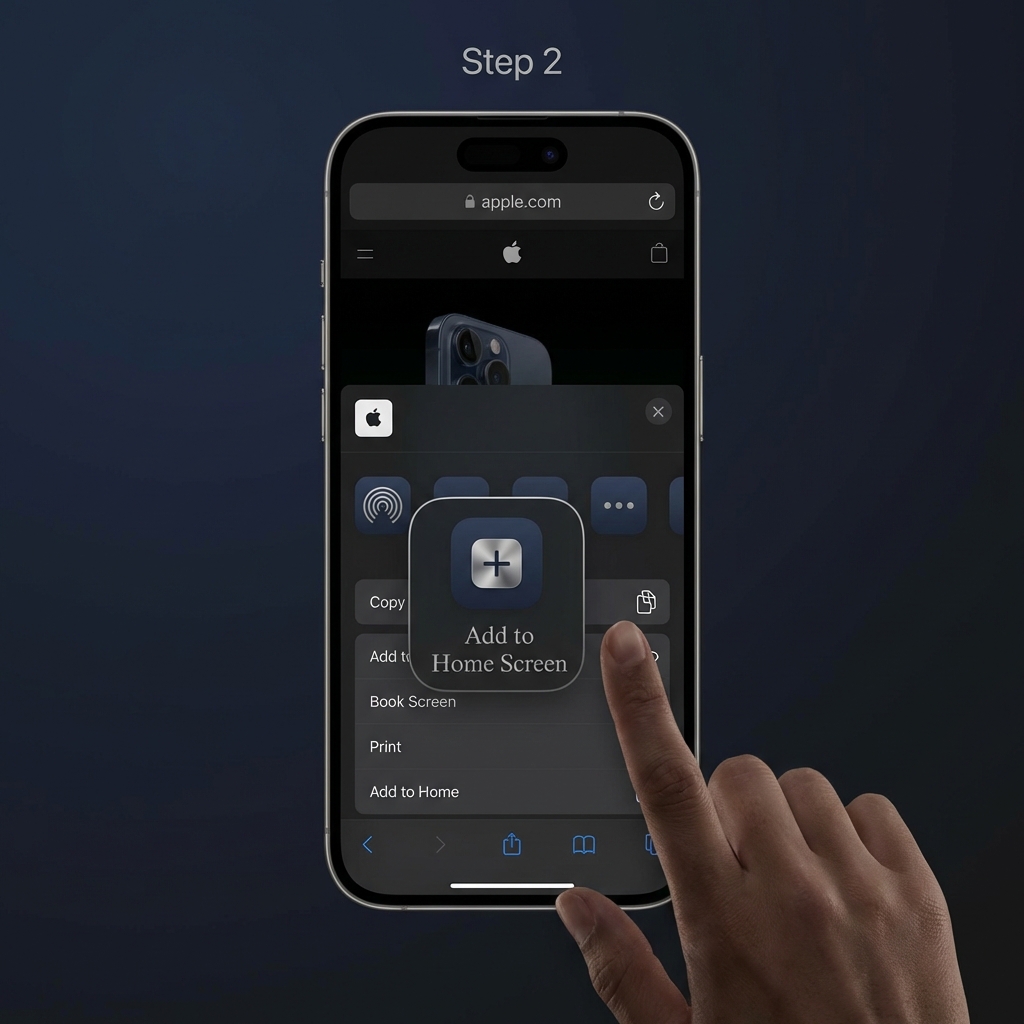
Select "Add to Home Screen"
Scroll up the list and tap "Add to Home Screen" (plus icon).
3
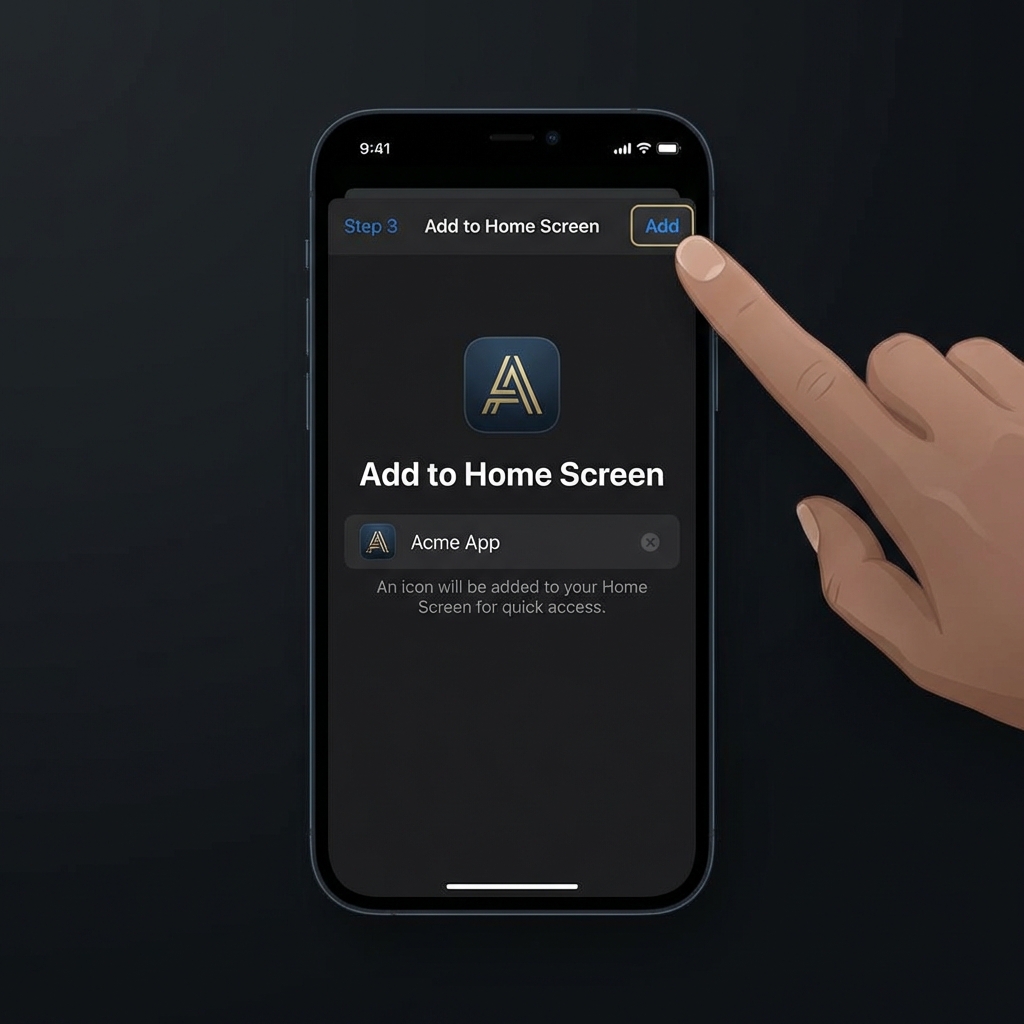
Confirm Add
Tap "Add" at the top right corner of the screen to finish.
Android (Samsung, Oppo, Xiaomi...)
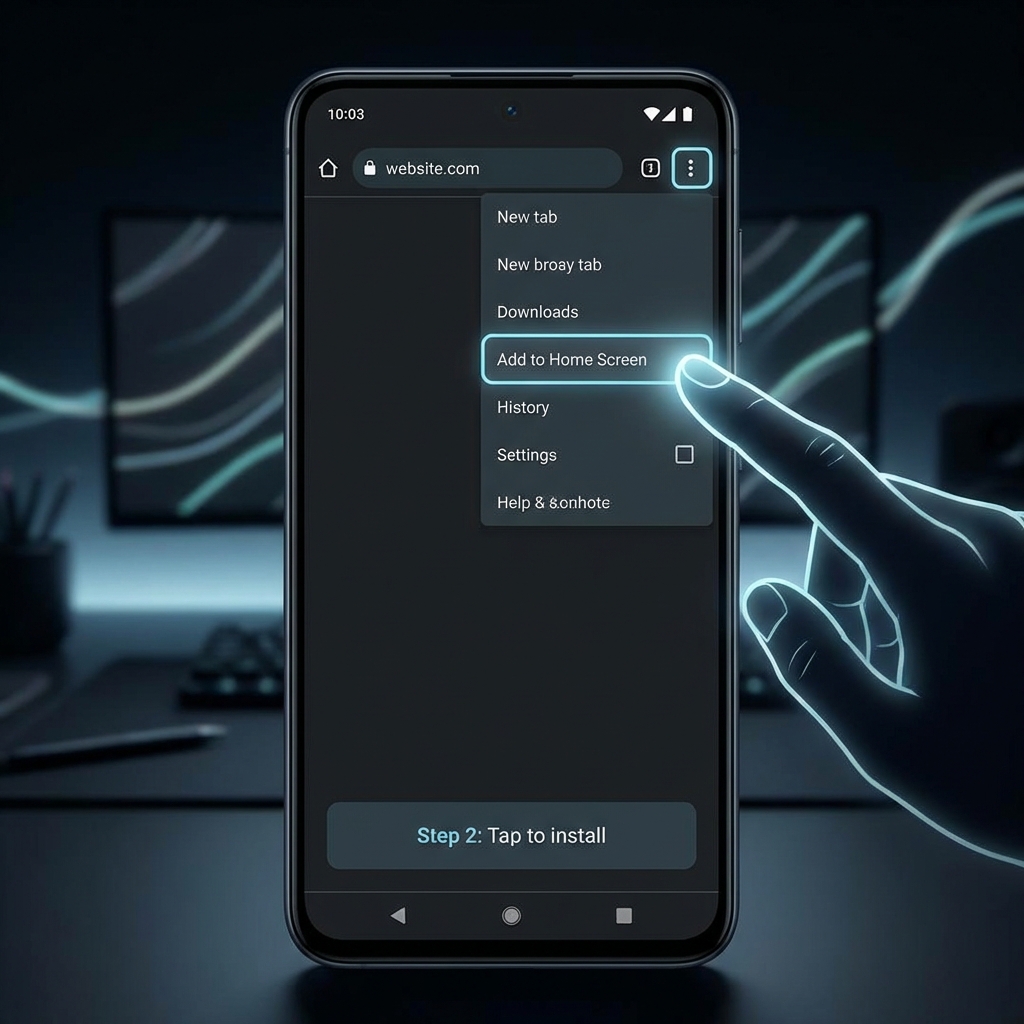
1
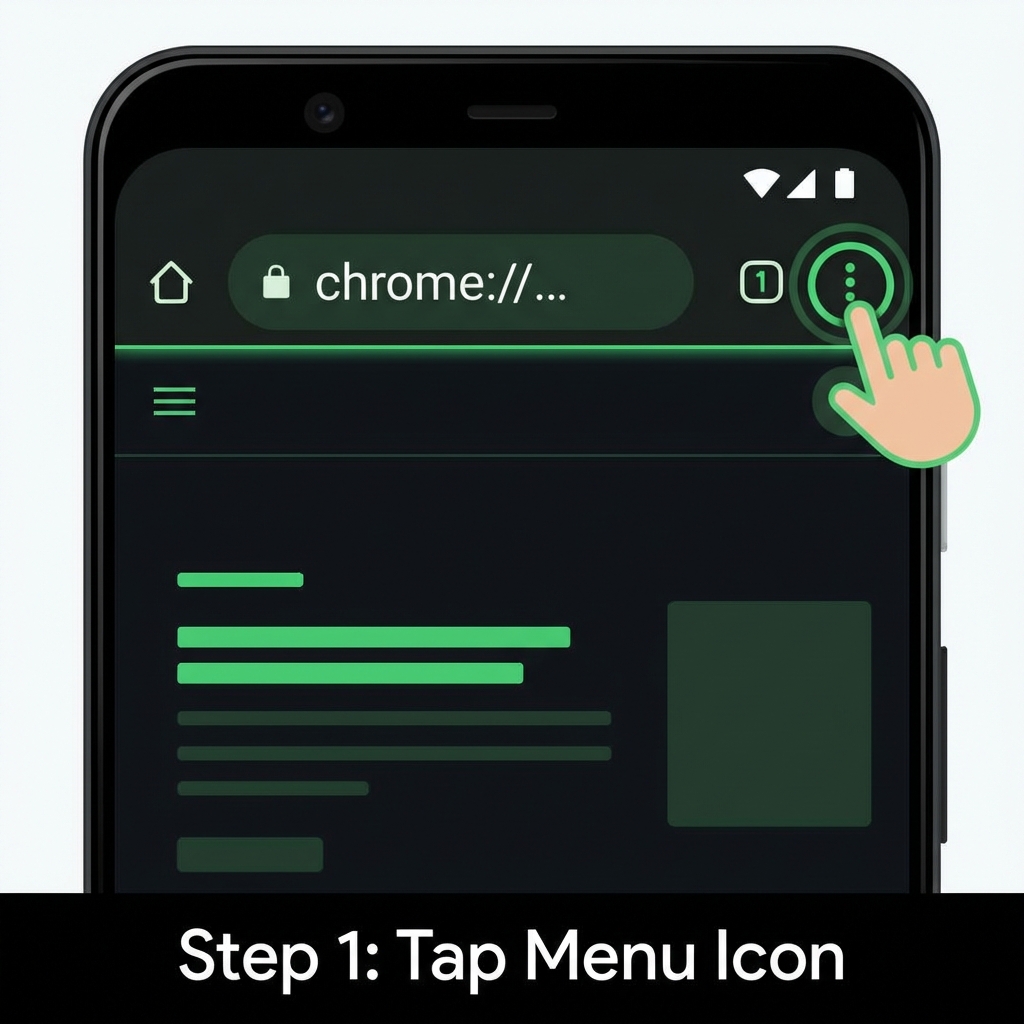
Tap 3-dot Menu
Open Chrome browser, tap the vertical three dots icon at the top right.
2
Select "Install app"
Look for "Install app" or "Add to Home Screen" in the menu and tap it.
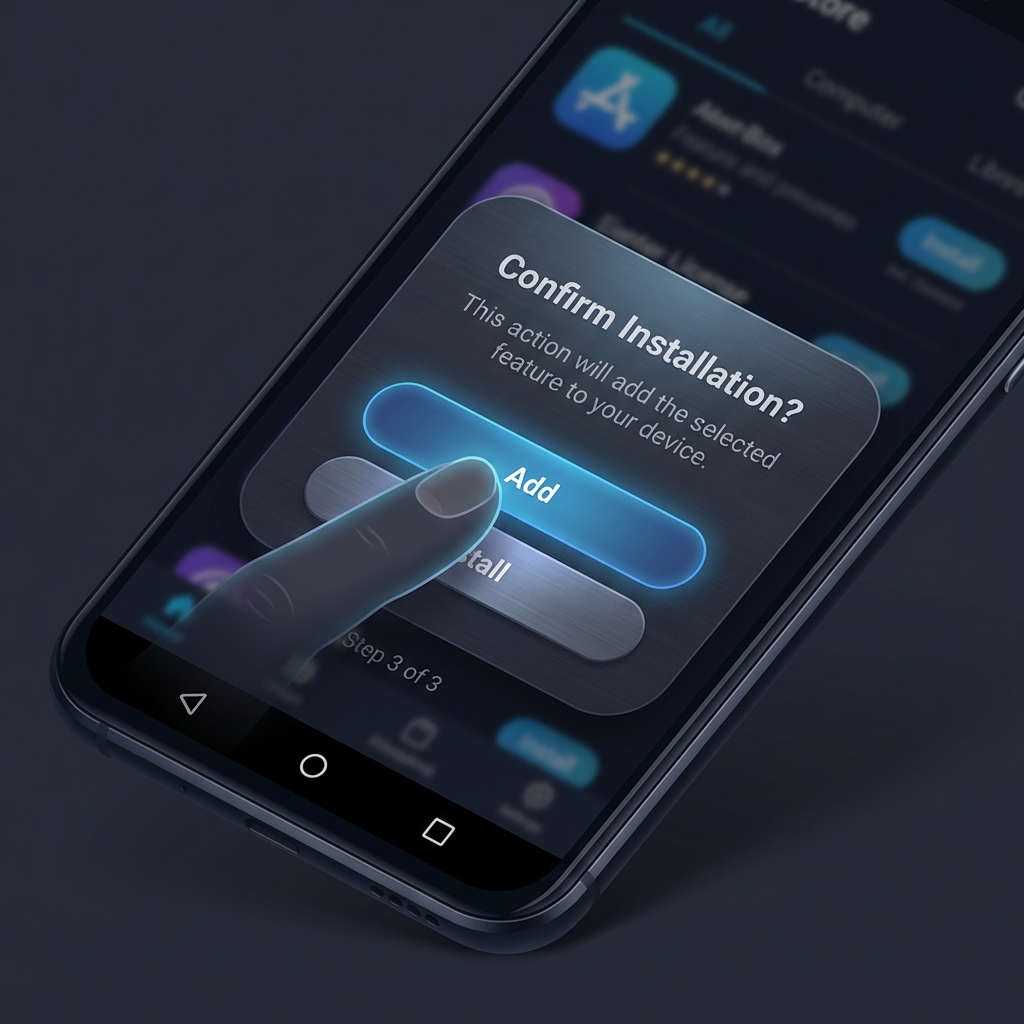
3
Confirm Installation
A popup will appear, tap "Install" or "Add" to put the app on your screen.
Zero Storage
Runs lightweight as a web app
Always Ready
Access instantly from your screen
Auto updates
Always the latest version